7 Workflow Automation Software Mistakes to Avoid Before You Buy
You have probably outgrown your current task tool, or you are tired of chasing updates across email and chat threads. Buying the wrong workflow automation software means paying for a year of seats your team never opens, then migrating again six months later.
This article covers what to look for before you commit, the seven mistakes buyers make, and how seven tools compare. You will get a clear number one pick, plus concrete criteria for matching a platform to your team size and the way work actually moves through your week.
What to Look For in Workflow Automation Software
Selecting workflow automation software requires a clear-eyed assessment of both your operational needs and the vendor's ability to deliver without hidden compromises. The right platform should reduce manual effort, connect the tools your team already uses, and remain affordable as your usage grows.
A useful evaluation framework rests on three pillars: functionality, cost, and scalability. Functionality covers the features that matter day to day, such as a drag-and-drop interface, pre-built connectors, automation triggers, and conditional logic. Cost goes well beyond the sticker price of a plan. Scalability determines whether the tool still fits when your team, data volume, and process count all increase.
Start by mapping your current business process automation needs. Which tasks consume the most time? Where do handoffs break down? Which legacy systems and third-party apps must stay in the loop? These answers shape your requirements far better than a feature checklist copied from a vendor page.
Next, weigh integration capabilities and API connectivity. A tool that cannot reach your existing data will create fresh data silos instead of removing them. Then consider the people side: user adoption, employee training, and change management often decide whether a rollout succeeds or stalls.
Finally, examine pricing structure with care. Per-user subscription pricing, usage tiers, and add-on modules can shift the real cost dramatically over a contract term. Many buyers overlook these factors during software selection, and that oversight leads directly to the costly mistakes covered next.
7 Mistakes Buyers Make Before Committing
Even experienced operations leaders can fall into traps that turn a promising automation investment into a sunk cost. The seven errors below appear again and again in failed software selection projects. Each one is avoidable with a little diligence before signing.
- Ignoring total cost of ownership. Buyers compare subscription pricing and stop there. Implementation fees, integration work, training hours, and premium support tiers all add up. A plan that looks cheap in month one can cost far more by year two.
- Underestimating integration complexity. A tool may advertise hundreds of pre-built connectors, but your legacy systems and custom databases might need API work instead. Teams often discover mid-project that a key third-party app has no native support, forcing expensive custom development.
- Assuming all users will adopt without training. A no-code builder still has a learning curve. Without an onboarding plan and change management effort, staff revert to spreadsheets and email. The automation sits unused while the subscription keeps billing.
- Overlooking scalability limits in pricing tiers. Many plans cap workflow runs, active automations, or stored records. A process that works fine in a pilot can hit a ceiling at full volume, pushing you into a higher tier or a competitor's arms.
- Failing to test conditional logic and approval workflows. Real processes branch, loop, and require sign-off. If task routing or approval workflows break under edge cases, teams lose trust in the system and quietly work around it.
- Choosing a tool that does not match team communication habits. A platform built around email notifications may frustrate a team that lives in chat. Mismatched habits slow adoption and create friction that no feature list can fix.
- Skipping a pilot before full rollout. Rolling out to every department at once magnifies every flaw. A small pilot surfaces integration gaps, usability problems, and hidden fees while the stakes are still low.
Each mistake shares a common root: deciding before testing. A structured vendor evaluation, a short pilot, and honest cost modeling prevent most of these failures. The next section explains how to run that evaluation step by step.
1. Tasks.Bot - Best Overall
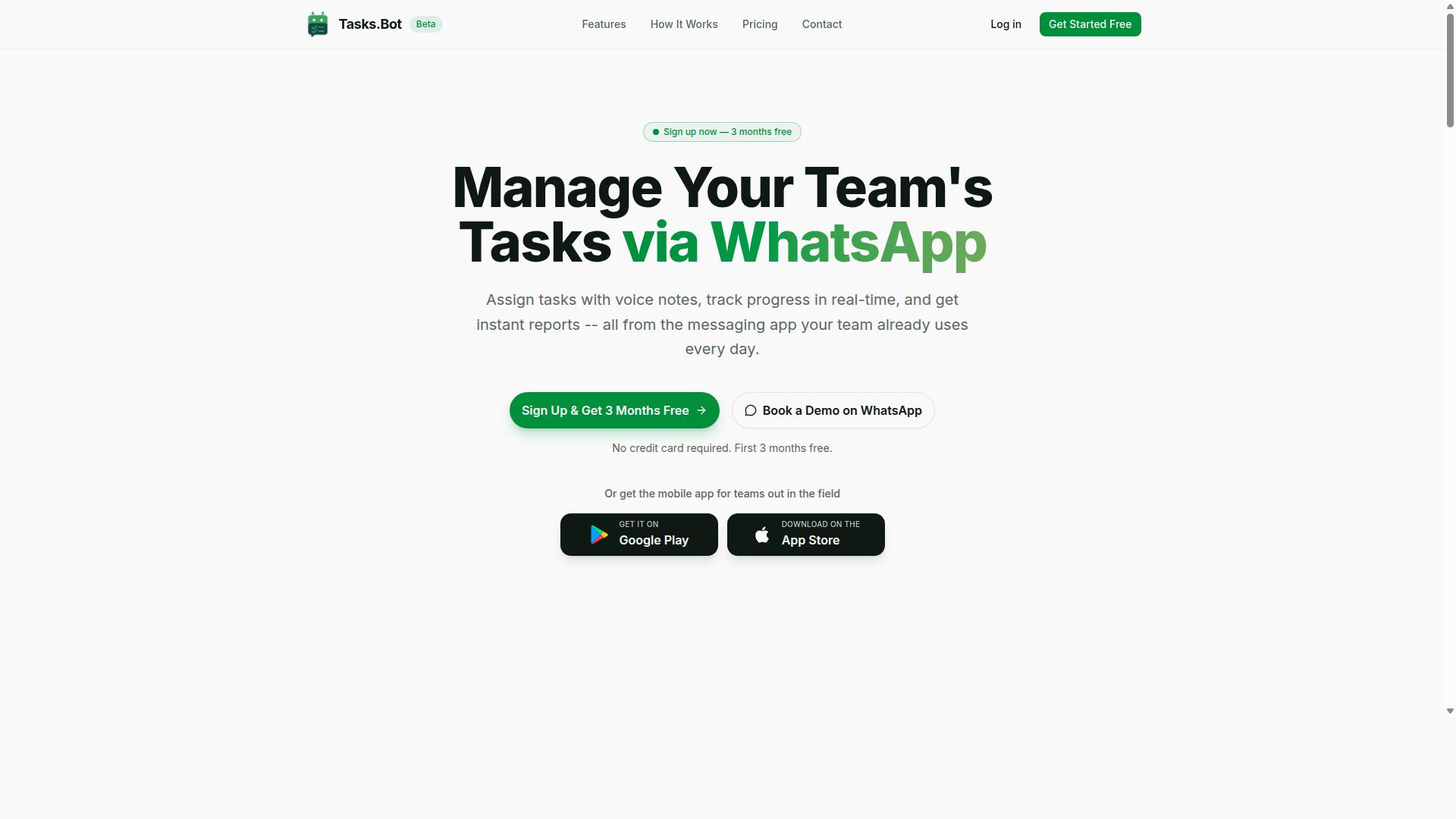
Tasks.Bot earns the top spot for teams that live in WhatsApp and need automation without forcing everyone onto a new platform. Instead of asking field staff, drivers, or site crews to learn another dashboard, it turns the chat app they already use into the interface for task management and workflow automation software.
The core idea is simple. Users send a message or a voice note, and AI interprets the intent to create the task. From there, Tasks.Bot handles automatic task assignment, smart deadline reminders, approvals, and automations, so routine coordination happens without a manager manually chasing updates.
Two features stand out for teams that operate outside an office. Face-verified attendance gives businesses a way to confirm who actually showed up, while tasks on a map help supervisors see work in the field. A live day tracker, instant reports, and shifts, leave, and hours management round out the day-to-day operations side.
Native WhatsApp integration is the differentiator that matters most during software selection. Most buying mistakes in this category start with tools that demand heavy user adoption and training. Tasks.Bot sidesteps that risk for WhatsApp-first teams because there is no new habit to build. Android and iOS apps add push notifications, voice capture, and a home screen widget for people who want a dedicated view.
It is not the right fit for every organization. Teams that need deep API connectivity into a large stack of legacy systems should weigh their integration capabilities carefully. But for field teams, small businesses, and operations groups already coordinating over WhatsApp, Tasks.Bot delivers business process automation where the conversation already happens.
Pricing, Free Trial, and What's Included
Tasks.Bot offers a single 'Full Access' plan with pricing in both INR and USD. Every feature is included in that one plan, which removes the guesswork that usually comes with tiered subscription pricing and hidden fees.
| Plan | Price | Notes |
|---|---|---|
| Monthly | ₹200 per member per month | All features included |
| Annual | ₹1,200 per year per member | Save 50%, save ₹1,200/yr per member |
The annual option works out to roughly half the monthly cost, which is worth noting when you estimate total cost of ownership across a team. Because there are no feature tiers, you can forecast spend per member without worrying about upgrade charges later.
The service is currently in beta, and a refund policy exists for buyers who want that safety net. A demo can be booked through WhatsApp so you can see the workflow in action before committing. New users also get 3 months free with no credit card required and can cancel anytime.
For sales questions, reach the team at +91 97143 42522. That direct WhatsApp contact is consistent with how the product itself works, and it keeps vendor evaluation quick for buyers who prefer chat over scheduled calls.
2. Reminderly.ai
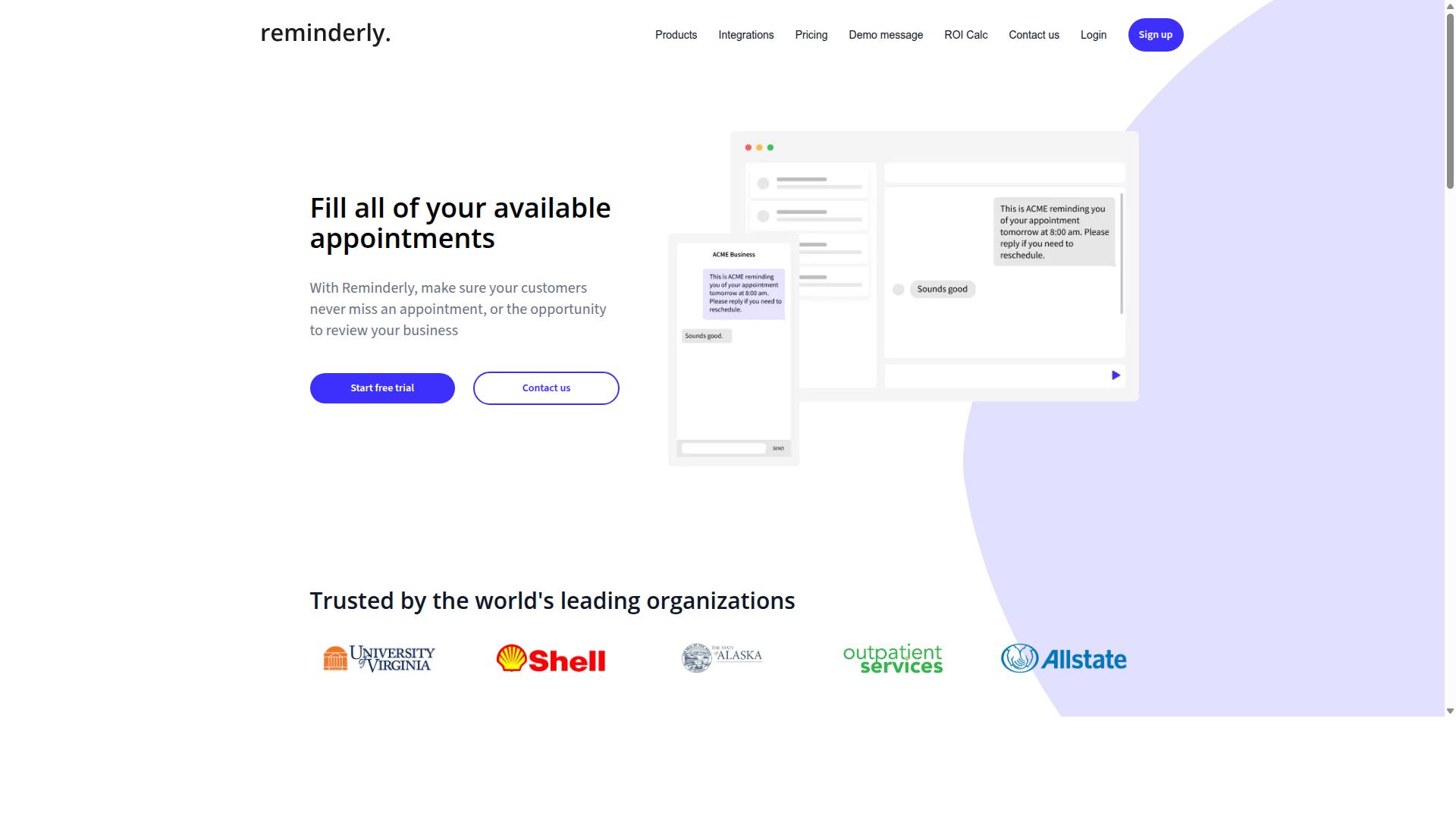
Reminderly.ai focuses on intelligent reminders and task nudges, making it a solid choice for teams that struggle with deadline adherence. Rather than managing full project lifecycles, it targets a narrower problem: making sure the right person gets prompted at the right time.
That focus shapes where the tool fits in a workflow automation software evaluation. If missed follow-ups, forgotten check-ins, or stalled handoffs are your biggest pain point, a reminder-first tool can address it quickly. If your needs run deeper into routing and approvals, the same narrow design may become a limitation.
Because specific details about Reminderly.ai are not widely documented in public sources, treat the points below as typical of reminder-centric tools rather than confirmed specifications. Always verify current functionality during your own vendor evaluation before committing.
- Automated reminders: scheduled nudges sent on a fixed or recurring basis
- Follow-up sequences: repeated prompts when a task goes unanswered
- Calendar integration: syncing due dates with common calendar apps
- Email notifications: reminders delivered through inboxes rather than a dashboard alone
- Task tracking: simple status views for individual items or small teams
Where a reminder-first tool may fall short is in advanced workflow branching. Conditional logic, multi-step approval chains, and dynamic task routing are usually the domain of broader business process automation platforms. Teams with complex decision trees should confirm these capabilities exist before buying.
Field-team features are another common gap. Mobile checklists, offline access, geolocation, and dispatch-style scheduling tend to appear in dedicated field service tools, not reminder-focused products. If your staff works away from a desk, this is a software selection factor worth testing directly.
Integration depth also deserves scrutiny. Confirm which third-party apps connect natively, whether an open API exists for API connectivity, and how data flows between systems. Weak connections create data silos and manual re-entry, which quietly erodes the value of any automation you purchase.
Finally, weigh the reminder tool against your total cost of ownership. A low monthly rate means little if you later need a second platform for routing or reporting. Ask about subscription pricing tiers, per-user limits, and hidden fees for integrations or premium support before you decide.
3. TaskRio
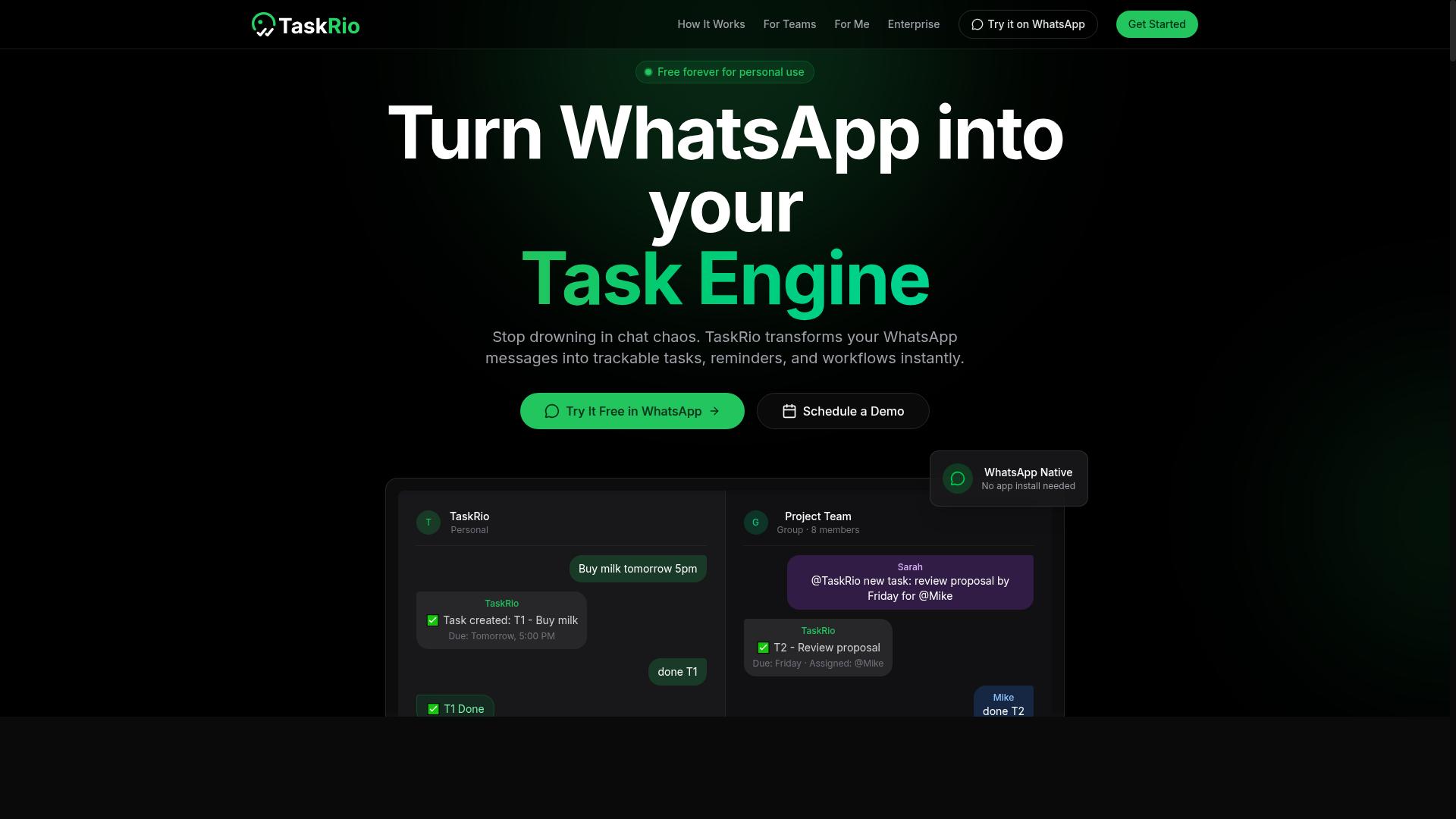
TaskRio positions itself as a flexible task manager with automation triggers and conditional logic for growing teams. It sits in the general-purpose workflow automation category, meaning it aims to handle a wide range of business process automation needs rather than specializing in one industry or function.
That broad positioning is exactly why it deserves a careful look during software selection. A tool built for everyone can fit many teams, but the fit depends on how deep your workflows actually go. Verify integration depth before you commit, not after.
Based on publicly available information, TaskRio's typical feature set follows the pattern common to this category:
- Drag-and-drop interface for building workflows without writing code
- Pre-built connectors that link common third-party apps
- Automation triggers that start a workflow when an event occurs
- Conditional logic for branching paths and task routing
- API connectivity for custom or less common systems
Those capabilities cover a lot of ground. They also sound similar to what nearly every no-code builder advertises, which is the trap. The marketing pages look alike. The differences show up in the details.
Two areas deserve scrutiny. First, pricing and scalability may vary as your team and workflow volume grow, so map costs against your projected usage rather than your current headcount. Second, confirm how deep each connector actually goes. A connector that syncs basic fields is not the same as one that handles complex, multi-step data flows.
Watch for customization limits too. Drag-and-drop interfaces are fast to learn, but some platforms cap how far you can push conditional logic or approval workflows before you need workarounds. Ask what happens when a process outgrows the template library.
None of this makes TaskRio a poor choice. It makes it a choice that rewards diligence. Treat the demo as a test: bring one of your messiest real workflows and ask the vendor to build it live. If the tool handles it cleanly, you have your answer. If the conversation shifts to custom development or add-ons, you have learned something more valuable than any feature list.
4. Karo.bot
Karo.bot targets no-code automation with a focus on simplicity and quick setup for small to mid-sized teams. It sits in the growing category of tools that promise to remove technical barriers from business process automation.
The main appeal is speed. A drag-and-drop interface and pre-built connectors let teams assemble basic workflows without writing code or waiting on developer time. For a small operation that wants to automate task routing or a simple approval workflow, that low barrier to entry can matter more than depth.
That convenience comes with tradeoffs. No-code builders typically cap how far conditional logic, branching, and data handling can go. Once a process grows complex, teams often hit a customization ceiling that a low-code platform would not impose.
Before buying, check three things carefully:
- Scalability: will the tool still work when your workflow volume and team size grow?
- Integration capabilities: does it connect to the apps and legacy systems you already rely on?
- API connectivity: can you extend it later, or are you locked into what ships out of the box?
Rapid deployment is a real benefit, but it should not come at the cost of total cost of ownership down the road. If a platform forces a migration in a year, the early savings disappear.
Treat Karo.bot as a candidate for straightforward, fast-moving automation needs. Verify the limits yourself during a trial, especially around integration depth and long-term flexibility.
5. The Sarah AI
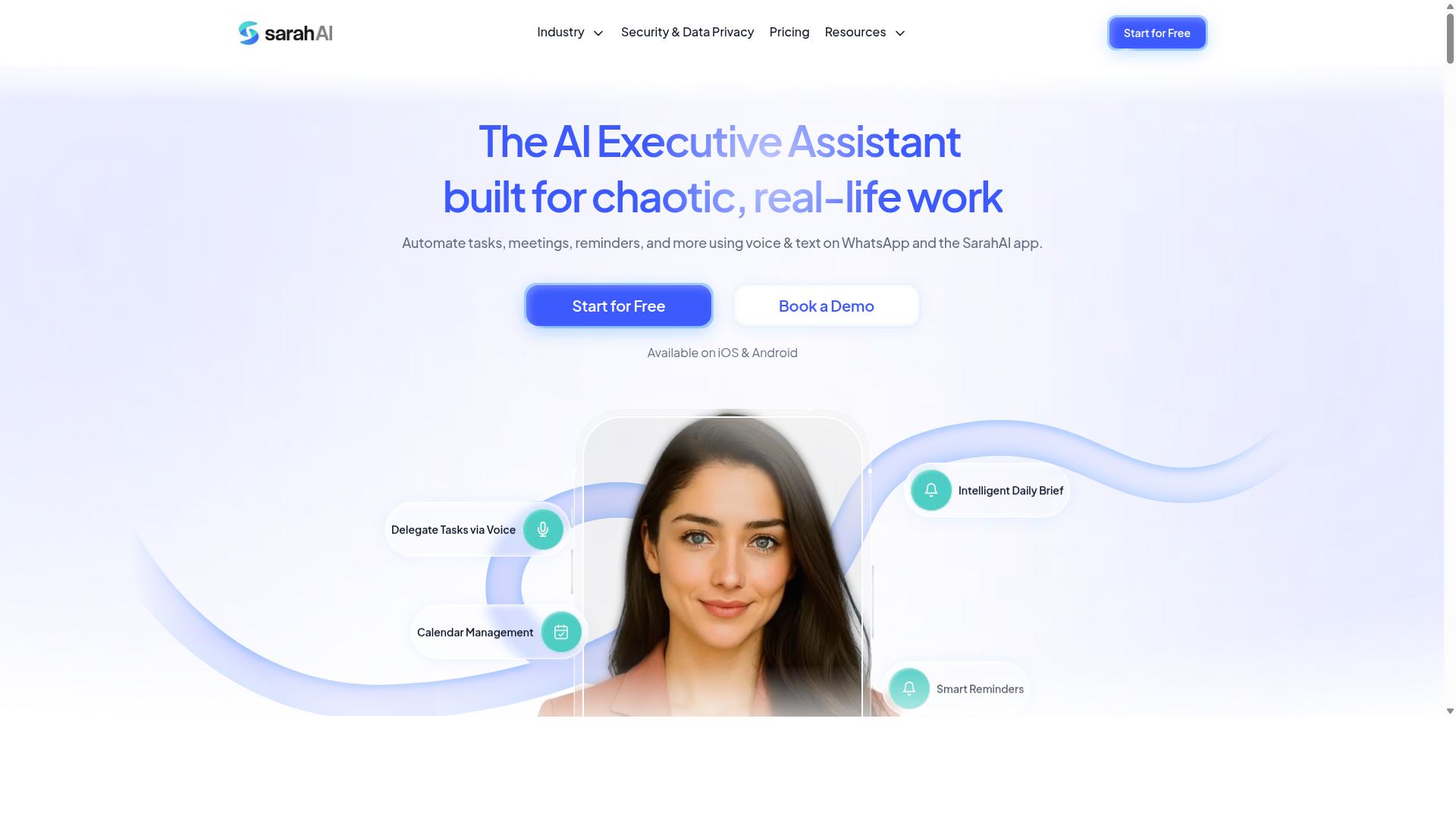
The Sarah AI leverages artificial intelligence to automate document-heavy workflows and approval chains. Rather than treating documents as static files that people pass around manually, it positions itself as a system that can read, route, and act on the content inside those files.
For teams buried in contracts, invoices, forms, and internal requests, that focus is worth understanding before you commit to any workflow automation software. The category matters because document bottlenecks are one of the most common reasons business process automation projects stall after purchase.
This entry looks at where an AI-first document tool tends to fit, what to verify during a demo, and how to judge whether it belongs in your software selection shortlist.
Most traditional automation platforms treat a document as a trigger or an attachment. The workflow fires, a file moves from one folder to another, and a human still opens it to decide what happens next. AI-driven document management aims to close that gap by interpreting the contents directly.
In practice, that means a system may be able to classify a document type, pull out key fields, and use those values to decide the next step. An approval chain could then route to the right person based on what the document actually says, not just on who submitted it.
These capabilities are typically described at a high level by vendors, and the depth varies widely between products. What sounds like full understanding in a marketing page is often a narrower set of supported document types. That gap is exactly where buying mistakes happen.
Back-office operations are the most natural fit for this kind of tool. Finance, procurement, legal, HR, and compliance teams all run on documents that need review, sign-off, and a recorded decision trail.
Common scenarios where an AI document tool may add value include:
- Invoice intake that needs coding, matching, and approval before payment
- Contract review where terms determine which approvers are involved
- Employee onboarding paperwork that must be checked and filed
- Expense or reimbursement requests with supporting receipts
- Vendor onboarding forms that require verification steps
If your team's work looks like this, an AI-first approach may reduce manual sorting and re-keying. If your workflows are mostly system-to-system data movement with little document content, a general automation platform may be the better fit.
Before buying, confirm how the tool handles the documents you actually process, not the ones in the demo. Ask about supported file types, languages, and layouts, since scanned or inconsistent documents are where accuracy tends to drop.
Other areas worth probing during vendor evaluation:
- How approval logic is configured, and whether conditional routing is supported
- What happens when the AI is uncertain, and whether a human review step is built in
- Whether an audit trail records who approved what, and when
- How the tool connects to your existing systems through API connectivity or pre-built connectors
- What volume limits or usage terms apply under subscription pricing
Request a demo using your own sample documents. A generic walkthrough will not reveal whether the system handles your edge cases, and edge cases are what determine whether user adoption holds up after onboarding.
Also ask how the tool fits your implementation strategy. Document AI often works best when introduced on one workflow first, then expanded once accuracy and review steps are proven.
One recurring buying mistake is assuming AI document tools replace existing systems. Most work alongside an ERP, a document store, or a ticketing platform rather than replacing them, which makes integration capabilities a deciding factor.
Another is overlooking the review layer. Even strong AI output needs a defined path for exceptions, and teams that skip this step often find their approval workflows stall on the same documents they were trying to automate.
Total cost of ownership also deserves scrutiny. Beyond subscription pricing, consider setup effort, document migration, and the staff time needed to tune routing rules as your processes change.
The Sarah AI may suit organizations with heavy document volume and clear approval chains in back-office functions. It is less obviously a fit for teams whose main need is connecting SaaS apps or triggering simple task routing.
Treat this as one candidate among several, and weigh it against general-purpose platforms on your shortlist. The right choice depends on your document mix, your compliance requirements, and how much configuration your team can support.
Use a demo to test real scenarios, ask pointed questions about accuracy and exceptions, and confirm integration paths before signing. That diligence is what separates a sound purchase from a costly lesson in buying mistakes.
6. Zoye AI
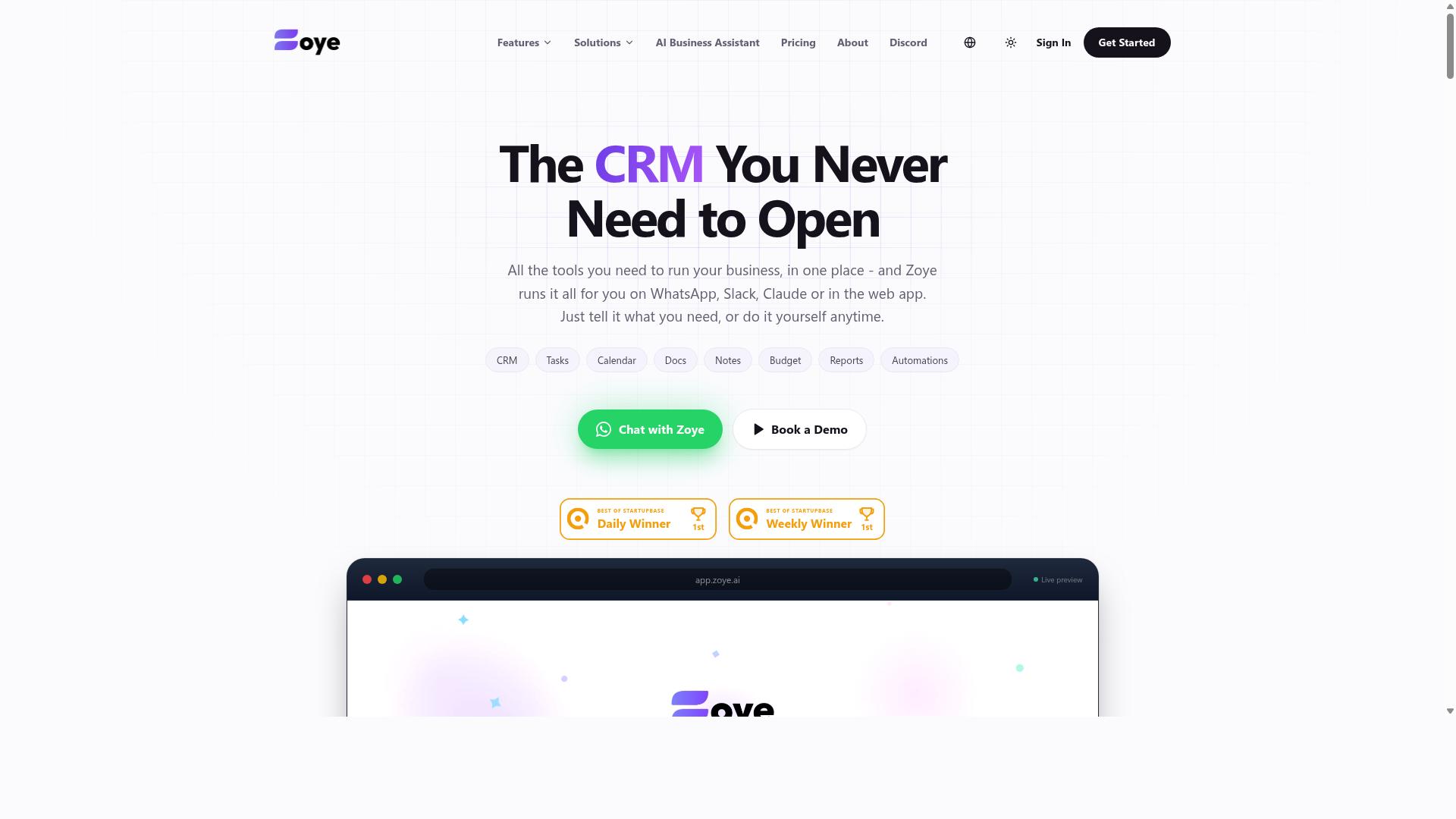
Zoye AI aims to connect disparate apps and automate cross-functional workflows with AI-powered triggers. The platform positions itself as an integration-focused automation tool, the kind of software that tries to sit in the middle of your stack rather than replace it.
That approach addresses a common buying mistake: choosing a tool that automates beautifully inside one department while leaving data trapped everywhere else. If your sales, support, and finance teams each run their own apps, data silos quietly undermine any workflow you build. An integration-first platform is meant to close those gaps.
Public information on Zoye AI is limited, so treat the points below as evaluation criteria rather than confirmed capabilities. Ask the vendor to demonstrate each one against your actual systems before you commit.
- Third-party app coverage: Which pre-built connectors exist today, and how current is the list?
- API connectivity: Can you reach internal or legacy systems through an API when no connector exists?
- AI-powered triggers: Are they configurable, and how do they handle exceptions or ambiguous inputs?
- Technical lift: Does setup need developers, or can non-technical staff maintain flows after launch?
- Pricing and support: Confirm subscription tiers, usage limits, and what support is included at each level.
Integration-heavy tools often carry a heavier implementation burden than simple task automators. Budget time for connecting systems, mapping fields, and testing edge cases before anything goes live.
During vendor evaluation, request a sandbox or trial connected to a copy of your environment. Watching how the platform behaves with your real data reveals far more than a scripted demo. Also ask who owns the integration logic if you later switch tools, since lock-in is a genuine total cost of ownership factor.
Finally, check the learning curve for the people who will use it daily. Even a powerful platform fails if employees avoid it because the interface feels like a developer tool. Confirm whether a drag-and-drop interface or workflow templates are available for common scenarios.
How to Choose the Right Option
Choosing the right workflow automation software hinges on aligning tool capabilities with your team's size, communication habits, and process complexity. Before comparing feature lists, define what a successful outcome looks like for your team. Fewer missed handoffs? Faster approvals? Payroll hours that reconcile without manual cleanup? Vague goals make every demo look impressive and every purchase hard to justify.
A practical framework starts with four filters, applied in order:
- Team size and structure: how many people will use the tool daily, and do they work from a desk or in the field?
- Existing tools: which systems hold your data today, and can the new tool connect to them without duplicate entry?
- Budget reality: not just subscription pricing, but total cost of ownership including setup time, training, and any add-ons.
- Required features: the short list of capabilities your process cannot run without, separated from nice-to-haves.
Once those filters narrow the field, pilot the tool with a small group before rolling it out. A pilot surfaces the buying mistakes that demos hide: confusing interfaces, missing integration capabilities, and workflows that break under real conditions. Gather feedback from the people doing the daily work, not just the managers evaluating the purchase. Research suggests user adoption, not feature count, is the strongest predictor of whether business process automation delivers value.
Pay attention to where your team already communicates. If conversations, task updates, and shift coordination happen in a messaging app, a tool that forces everyone into a separate dashboard adds friction instead of removing it. That single mismatch has sunk more implementations than any missing feature. The next subsection breaks this down by team profile, so you can match a tool to your operational reality rather than a generic checklist.
Matching Tools to Team Size and Workflow
A tool that works for a 10-person field crew may fail for a 200-person sales team, so match automation to your operational reality. The categories below are starting points, not rigid rules, but they reflect how evaluation priorities shift as teams grow.
| Team Size | Primary Priorities | What to Evaluate |
|---|---|---|
| 1-20 people | Ease of use, fast setup, low learning curve | Can non-technical staff configure it without training? Does it fit the messaging app you already use? |
| 21-100 people | Scalability, integration capabilities, pre-built connectors | Does pricing and performance hold up as seats double? Can it connect to your existing systems? |
| 100+ people | Permissions, API connectivity, training resources | Are roles and access controls granular? Is there documentation and onboarding support for large rollouts? |
Small teams should prioritize a drag-and-drop interface and a no-code builder, because every hour spent configuring the tool is an hour not spent on the work itself. Teams that already coordinate over WhatsApp may find that a tool built for that channel removes an entire layer of adoption friction. Tasks.Bot, for example, serves teams that use WhatsApp for communication, particularly those with field staff who need task management, attendance tracking, and payroll-ready hours. Hundreds of teams already use the service, which suggests the WhatsApp-first approach fits a real operational pattern rather than a niche one.
Workflow type matters as much as headcount. Field teams benefit from mobile-first tools with voice-enabled input, since typing detailed updates on a phone at a job site is impractical. Desk teams have different needs: document management, approval workflows, and conditional logic for routing tasks between departments. Evaluate each option against the workflow your team actually runs, not the one in the vendor's demo video.
For mid-sized teams, test scalability directly during the pilot. Ask how subscription pricing changes at higher seat counts and whether integration capabilities depend on paid tiers. For larger organizations, confirm API connectivity, permission structures, and available training resources before committing, since change management at scale is where implementation strategy succeeds or fails. Whichever size you are, run a two-week pilot with real tasks and real deadlines. Feedback from that window tells you more about user adoption than any vendor evaluation checklist.
Final Verdict
After weighing the options, Tasks.Bot stands out for teams that need automation without leaving WhatsApp, while others may suit different niches.
The buying mistakes covered in this guide, from underestimating total cost of ownership to overlooking user adoption, all point to the same lesson. The right workflow automation software fits how your team already works instead of forcing a new routine on them.
Tasks.Bot is built entirely inside WhatsApp, so team members do not need to install anything or create new accounts. That removes one of the biggest barriers to adoption: the learning curve of a new tool. AI understands natural language and voice notes for task creation, which keeps setup simple for staff who prefer talking over typing.
For teams with field staff, the platform also offers face-verified attendance and live GPS tracking. These features address two common gaps in business process automation for mobile workforces: knowing who showed up and where the work happened. Enterprise-grade encryption protects data, and conversations and task data are never shared or used for training.
Teams can evaluate the platform through a 3-month free trial with no credit card required, which lowers the risk of committing before a proper trial run.
Other tools in this roundup serve different needs. Some focus on no-code builders and drag-and-drop interfaces for complex internal processes. Others lean on pre-built connectors and API connectivity for deep integration with existing systems. A few specialize in approval workflows, task routing, or document management for back-office teams.
None of these strengths are wrong. They simply fit different priorities, and the right pick depends on where your team works and how they communicate.
Before you decide, revisit the mistakes that matter most for your situation:
- Confirm the real subscription pricing, including hidden fees and add-on costs
- Check integration capabilities and API connectivity against your current stack
- Test scalability so the platform grows with your headcount
- Plan for onboarding, employee training, and change management
- Verify customization limits before you rely on workflow templates
If your team already runs on WhatsApp, especially with field staff, Tasks.Bot is worth a closer look. To see it in action, book a demo via WhatsApp or contact [email protected] or +91 97143 42522.
Frequently Asked Questions
Do my team members need to download an app or create new accounts to use Tasks.Bot?
No. Tasks.Bot operates entirely within WhatsApp, so team members can assign tasks, track progress, and receive reports without installing anything or creating new accounts. This removes one of the biggest adoption barriers that kills workflow automation rollouts. A mobile app is also available for field teams who need it.
How does Tasks.Bot handle task creation for teams that aren't tech-savvy?
Tasks.Bot uses AI to understand natural language and voice notes, so users can simply speak or type a task in plain language rather than filling out complex forms. This is especially useful for field staff who are more comfortable with WhatsApp than with traditional project management tools. It directly addresses the common mistake of buying software your team won't actually use.
What features should I check before committing to workflow automation software?
Look for the capabilities your team will use daily: task assignment, deadline reminders, approvals, automations, and reporting. Tasks.Bot includes all of these in a single 'Full Access' plan, along with face-verified attendance, tasks on a map, and live day tracking for field teams. Choosing a tool with everything included helps you avoid paying for add-ons or outgrowing a limited tier later.
Is Tasks.Bot expensive compared to other options?
Tasks.Bot offers a 'Full Access' plan with all features included, priced at ₹200 per member per month or ₹1,200 per year per member on the annual plan, which saves 50%. Pricing is available in both Indian Rupees and US Dollars. Since every feature is included, there are no surprise upgrade costs as your team scales.
Can Tasks.Bot support field teams that need attendance and payroll tracking?
Yes. Tasks.Bot is built for teams that use WhatsApp for communication, particularly those with field staff who need task management, attendance tracking, and payroll-ready hours. It offers face-verified attendance and live day tracking alongside its task features. This makes it a strong fit if your workflow automation needs go beyond simple to-do lists.
How can I try Tasks.Bot before buying?
Tasks.Bot offers a 'Book a Demo on WhatsApp' option directly on its website, so you can see how it works in the environment your team already uses. The service is currently in beta and the site mentions a refund policy, which lowers the risk of trying it. You can also reach the team at [email protected] or +91 97143 42522 with questions.
Recommended Resources: