Top 6 AI Task Automation Tools for Report Generation
You're weighing AI report generators, but most demos look identical until your team hits a real workflow snag. The gap between a tool that formats data and one that actually saves your weekly hours shows up fast. By the end of this article, you'll have six concrete options, clear criteria for automation, integration, and real-time data, plus a definitive number one pick for WhatsApp-native reporting.
We'll walk through what separates a solid report tool from one that creates more manual cleanup work, then compare six platforms across pricing, ease of use, and platform accessibility. You'll finish with a practical checklist to match each tool's capabilities to your team's specific reporting rhythm, whether you manage field staff or remote contributors.
What to Look For in AI Report Generation Tools
Choosing the right AI report generation tool requires a clear understanding of the features that directly impact your team's efficiency and decision-making speed. The market for report generation tools has expanded rapidly, with options ranging from simple template-based generators to advanced platforms that use machine learning and natural language generation to craft full narratives from raw data.
Modern automated reporting tools do much more than format spreadsheets. They connect to your existing systems, pull live metrics, and distribute finished documents to stakeholders without manual intervention. The best solutions act as a bridge between your data sources and the people who need actionable insights.
When evaluating any tool, focus on three core pillars: automation capabilities, integration with your current tech stack, and real-time data access. A tool that excels in all three areas will save hours of repetitive work while ensuring every report reflects the current state of your business.
These criteria matter because report generation is not a one-time task. Teams produce weekly KPIs, monthly summaries, and ad-hoc analyses on an ongoing basis. Workflow automation in this space directly translates to faster decisions and fewer errors. The following breakdown covers what to examine in each category, setting the stage for the comparative analysis of the top tools available today.
Key Features: Automation, Integration, and Real-Time Data
Effective AI report generation tools combine automation, seamless integration, and real-time data to minimize manual effort and maximize accuracy. Automation features include scheduled report generation, auto-refreshing dashboards, and report distribution that sends finished documents to the right people at the right time. Report scheduling alone can eliminate hours of recurring manual work each week.
Integration capabilities determine how well the tool fits into your existing workflow. Look for API integration support that connects to your CRM, ERP, databases, and communication platforms like Slack or Google Sheets. A sales team, for example, should be able to pull pipeline data from its CRM and automatically receive a weekly KPI report every Monday morning without touching a spreadsheet.
Real-time data access ensures your reports reflect current status rather than stale information. This matters for inventory tracking, live sales dashboards, and any operational metric that changes throughout the day. Data visualization features turn these live numbers into charts and graphs that stakeholders can digest at a glance.
Supporting features worth checking include:
- Customizable report templates and a template library for common report types
- Drag-and-drop builders for creating reports without coding skills
- Export options for PDF report creation and Excel report automation
- Text summarization and narrative generation that explain trends in plain language
AI writing assistants embedded in these platforms can also generate executive summaries, highlighting key changes and anomalies. This combination of dashboard automation, insight generation, and report customization is what separates modern tools from traditional reporting software.
Pricing, Ease of Use, and Platform Accessibility
Beyond features, the total cost of ownership, user-friendliness, and accessibility across devices determine whether a tool is truly practical for your team. Pricing models vary widely across report generation tools, with subscription tiers, per-seat pricing, and flat fees all common in the market. Always look for free trials or live demos before committing to a long-term contract.
Ease of use is critical because a tool that requires extensive training will slow adoption. Evaluate whether the interface is intuitive, whether new users can build their first report within an hour, and what level of customer support is available during onboarding. Data extraction and report generation should feel natural, not like learning a programming language.
Platform accessibility covers web-based access, mobile apps, and compatibility with your team's preferred devices. Cloud-based reporting tools offer the flexibility of accessing reports from anywhere, which is essential for remote and hybrid teams. However, if your team works in environments with limited connectivity, check whether offline capabilities exist.
When comparing vendors, create a shortlist and score each tool across these dimensions:
- Total cost including setup, licensing, and any per-user fees
- Learning curve and available training resources
- Compatibility with your operating systems and devices
- Data analytics depth and business intelligence features
Research suggests that teams often overpay for features they never use. The best value balances cost with the specific functionality your reporting workflow demands. A tool that handles API integration, report distribution, and machine learning analysis without breaking your budget will serve you better than a premium platform with capabilities you do not need.
1. Tasks.Bot - Best Overall
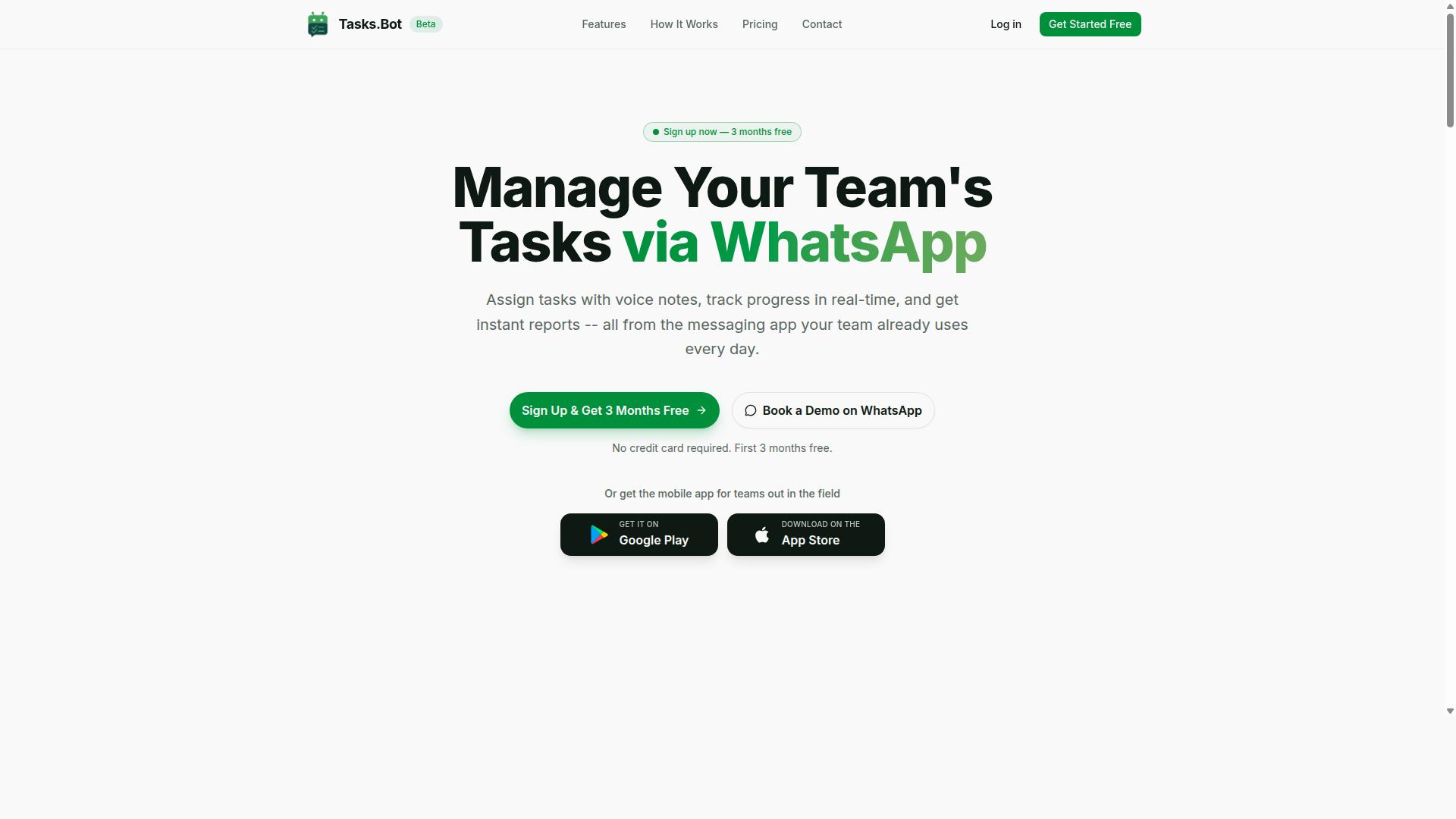
Tasks.Bot stands out as a top-tier AI report generation tool by integrating seamlessly with WhatsApp, allowing teams to create and receive reports without leaving their primary communication platform. This positions it as the most accessible report generation tool on the market, since it removes the learning curve associated with traditional task automation software.
For teams that live in WhatsApp, this AI report automation approach is a game-changer. Instead of juggling multiple dashboards or email threads, managers can trigger automated reporting through a simple chat message. The platform leverages machine learning and natural language generation to transform raw updates into structured, readable summaries.
This tool is built for a global audience, with pricing and functionality that cater to distributed teams. Whether you are managing a remote sales force or coordinating logistics, Tasks.Bot turns everyday chat conversations into a reliable engine for KPI reporting and business intelligence. The following sections break down its core capabilities in detail.
WhatsApp-Native Reporting with Instant AI Summaries
Tasks.Bot's core strength lies in its native WhatsApp integration, which allows users to generate comprehensive reports by simply sending a voice note or a text message. There is no need for additional installations, new accounts, or complex setup processes. The AI interprets your natural language and converts it into structured data.
This approach to AI writing assistance means that report generation tools no longer require a desktop computer or a specific software suite. A field agent can dictate their progress while on the move, and the system handles the data extraction and narrative generation automatically. This workflow automation significantly reduces friction and encourages consistent daily updates.
Consider a manager who sends a quick text asking for a daily sales report. Within moments, Tasks.Bot processes the team's updates and delivers a concise text summarization of the day's performance. This instant insight generation allows for faster decision-making without waiting for manual compilations or email chains.
Field Team Reports, Attendance Data, and Pricing
For organizations with field staff, Tasks.Bot offers specialized features like attendance tracking and payroll-ready hours, all neatly packaged into its reporting system. The platform uses face-verified attendance and live GPS tracking to ensure accurate data collection. This eliminates the guesswork involved in manual timesheets.
These reports automatically include hours worked and task completion status, making them suitable for payroll processing. This feature alone saves managers significant time on manual data compilation and reduces the risk of errors. The system effectively bridges the gap between operational activity and administrative requirements.
Tasks.Bot offers a straightforward 'Full Access' plan that includes all features. The pricing is available in both Indian Rupees and US Dollars, catering to its international user base. The monthly plan is priced at 200 per member, while the annual plan costs 1,200 per year per member, which represents a 50% savings.
The service is currently in beta, which suggests early adopters can benefit from the platform's evolution. New users receive a 3-month free trial with no credit card required, making it easy to test the workflow automation capabilities. Since the pricing is listed in multiple currencies, users should verify the exact conversion rate at checkout. Enterprise-grade encryption ensures that all conversations and task data remain private and are never used for training purposes.
2. Reminderly.ai
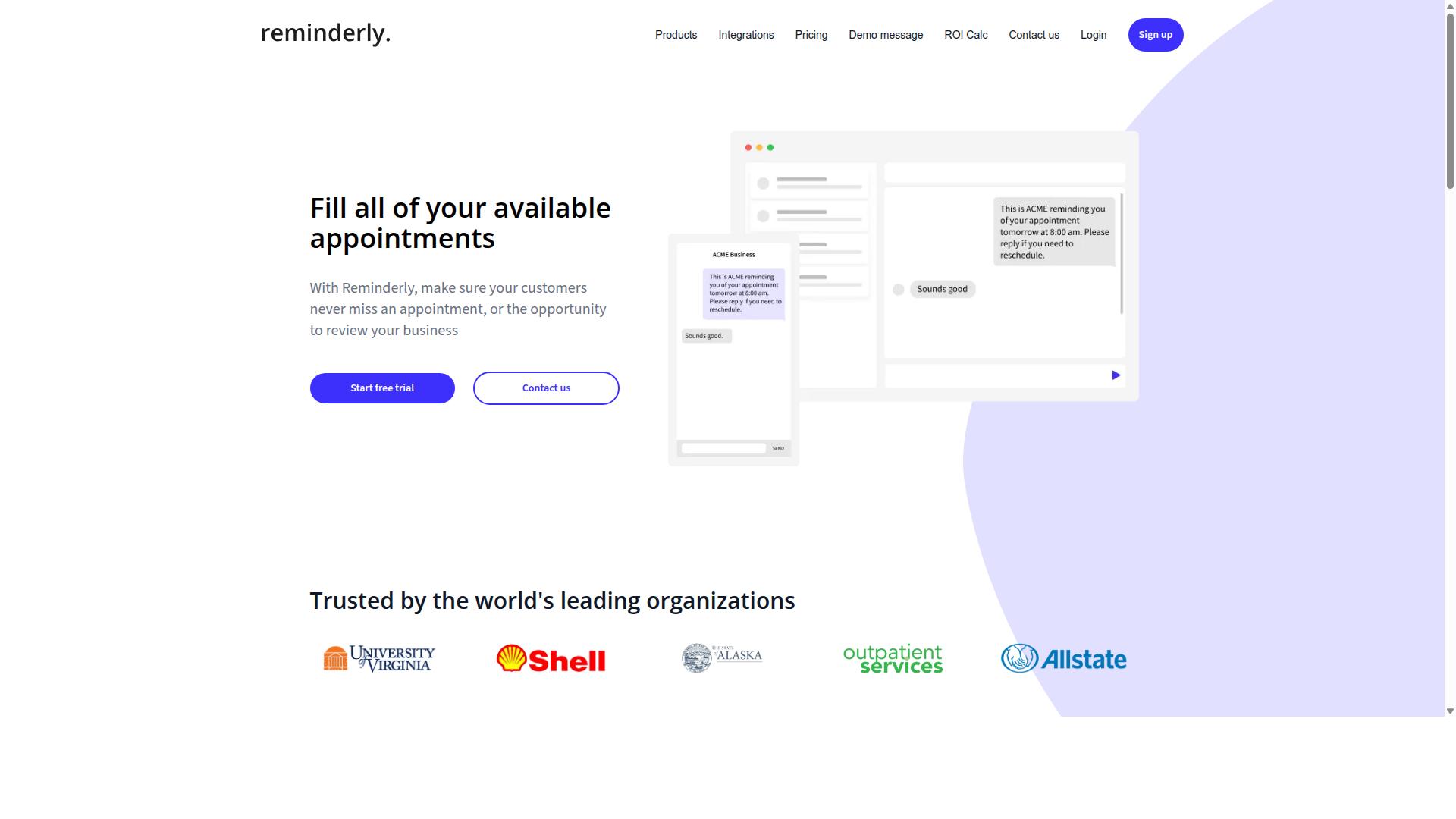
Reminderly.ai is a rising AI report generation tool that focuses on automating reminders and follow-ups, turning them into structured reports for better team accountability. It positions itself as a practical solution for teams that struggle with missed tasks and slow response times across client communications.
The platform's core strength lies in automated reminders and follow-up tracking. Instead of manually chasing team members or clients, Reminderly.ai monitors communication patterns and flags conversations that need attention, which reduces the cognitive load on busy teams.
Where it fits into report generation is through its ability to turn communication activity into structured summaries. The tool can generate reports based on interaction history, showing who responded, what was resolved, and which items are still pending. This makes it useful for internal deadline tracking and client-facing status updates.
However, potential users should note some limitations. Reminderly.ai is not a full-featured business intelligence platform. It lacks advanced data visualization, natural language generation for complex datasets, and the depth of KPI reporting found in dedicated analytics tools. Teams needing sophisticated data extraction or dashboard automation would likely need a separate solution.
Pricing and integrations may vary, so potential users should verify current details before committing. The tool appears best suited for small to mid-sized teams that need a lightweight way to stay on top of client communications and internal deadlines, rather than enterprises requiring comprehensive automated reporting across multiple data sources.
3. TaskRio
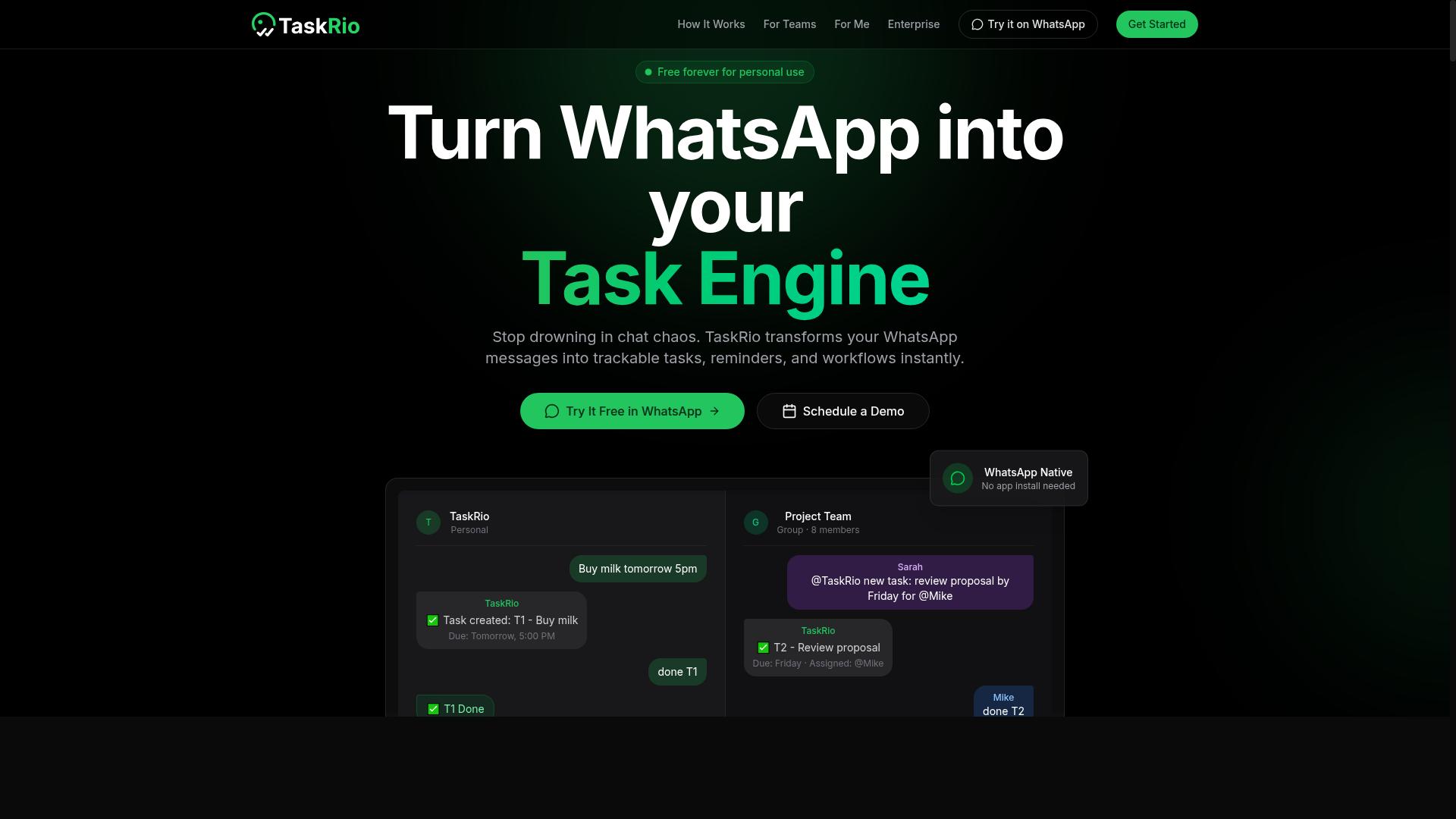
TaskRio is a task management platform with built-in AI reporting capabilities, designed to help teams visualize progress and identify bottlenecks. It positions itself as a practical solution for teams that want automated reporting without needing to build complex dashboards from scratch.
The platform focuses on project progress dashboards that pull data from everyday work activities. Instead of manually compiling status updates, managers can see where tasks stand at a glance. This makes it a strong candidate for teams looking to reduce the time spent on routine status meetings.
TaskRio integrates with common project management tools, which helps it fit into existing workflows. For remote teams, this is particularly useful because it centralizes information that would otherwise be scattered across different apps and time zones.
The tool offers real-time data visualization for reporting. Charts and graphs update as team members complete work, giving stakeholders a current view of project health. This supports faster decision-making compared to waiting for weekly or monthly report cycles.
However, the platform has some limitations to consider. Advanced features may require a premium plan, so the most powerful reporting options might not be available on entry-level pricing. Teams should verify which capabilities are included at their desired tier.
TaskRio is generally considered easy to use, with a learning curve that is manageable for most teams. The interface is designed to be intuitive, which reduces the need for extensive training sessions before team members can start generating useful reports.
For teams that need basic progress tracking and status reporting, TaskRio can be a solid fit. It handles the core reporting tasks well, particularly for organizations that already rely on project management software for daily operations.
Since specific features and pricing details can change, it is wise to check the official website for current information. This will give you the most accurate picture of what TaskRio offers today and whether its premium tiers align with your reporting needs.
4. Karo.bot
Karo.bot is an AI-powered assistant that specializes in converting conversational inputs into actionable reports, making it a strong contender for teams that prefer chat-based workflows. Instead of navigating complex dashboards or learning new software, users interact with Karo.bot through familiar messaging platforms. The tool applies natural language processing to interpret those messages and structure them into organized documents.
This approach to report generation tools is built around convenience. Teams can request KPI summaries on demand without opening a separate analytics application. The assistant parses the conversation, identifies relevant metrics, and assembles a concise narrative around the data. For busy managers, this reduces the friction between asking a question and receiving a usable answer.
Karo.bot is particularly well suited for small to medium-sized teams that want a lightweight solution. It avoids the heavy setup often required by enterprise-grade business intelligence platforms. The tool's focus on chat-based interaction means less training time and a shorter learning curve. Employees can simply message the bot and receive a structured response.
Its integration with messaging platforms makes it a natural fit for organizations that already rely on chat for daily communication. Whether the goal is automated reporting for a morning standup or a quick status update for a client, Karo.bot handles the formatting and summarization in the background. This keeps the reporting process inside the tools your team already uses.
That said, the feature set may not cover every advanced use case. Teams requiring complex data visualization, deep data analytics, or extensive report customization might find Karo.bot limiting. The tool shines in scenarios where speed and simplicity matter more than granular control over every chart and table. It is worth exploring the full feature set to see if it aligns with your specific reporting needs.
5. The Sarah AI
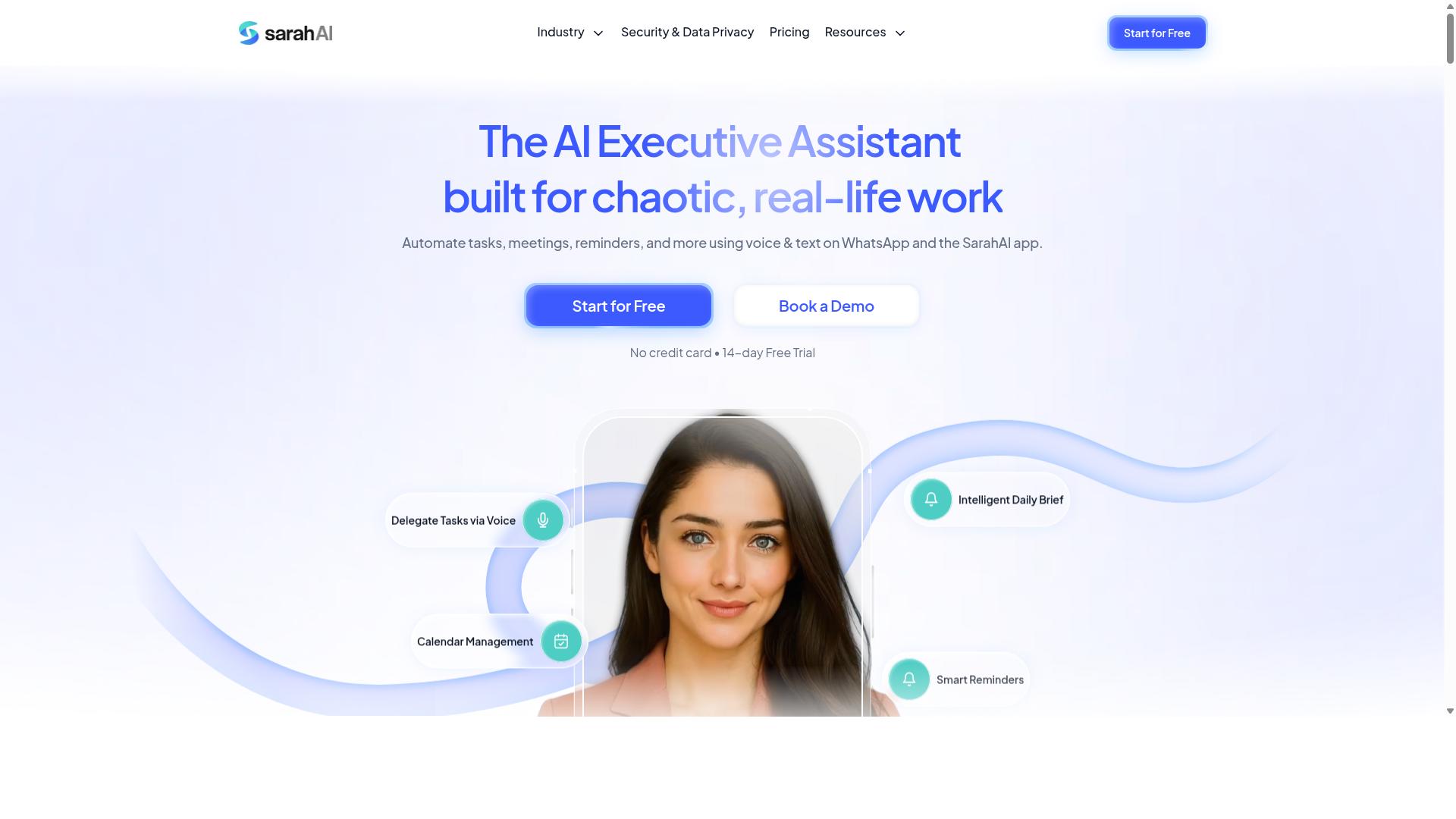
The Sarah AI is a conversational AI platform that offers report generation as part of its broader suite of business automation tools. Rather than being a dedicated reporting solution, it positions itself as a multi-functional assistant that handles a wide range of workplace tasks.
Users can ask questions in plain language and receive generated reports pulled from connected data sources. The platform focuses on natural language generation to translate raw information into readable narrative summaries that make sense to non-technical stakeholders.
Its strength lies in the conversational interface. Instead of building a report through forms or templates, you describe what you need and the AI assembles the output. This approach works well for teams that prefer asking questions over navigating complex dashboard configurations.
Because The Sarah AI is a general-purpose assistant, it may be better suited for organizations that already rely on AI for scheduling, drafting emails, or summarizing documents. If your team is new to AI report automation and wants a tool dedicated to reporting, a specialized platform might be easier to adopt.
Integration options and pricing vary depending on the plan and the systems you need to connect. Experts recommend verifying which data sources are supported before committing, as the assistant is only as useful as the information it can access.
6. Zoye AI
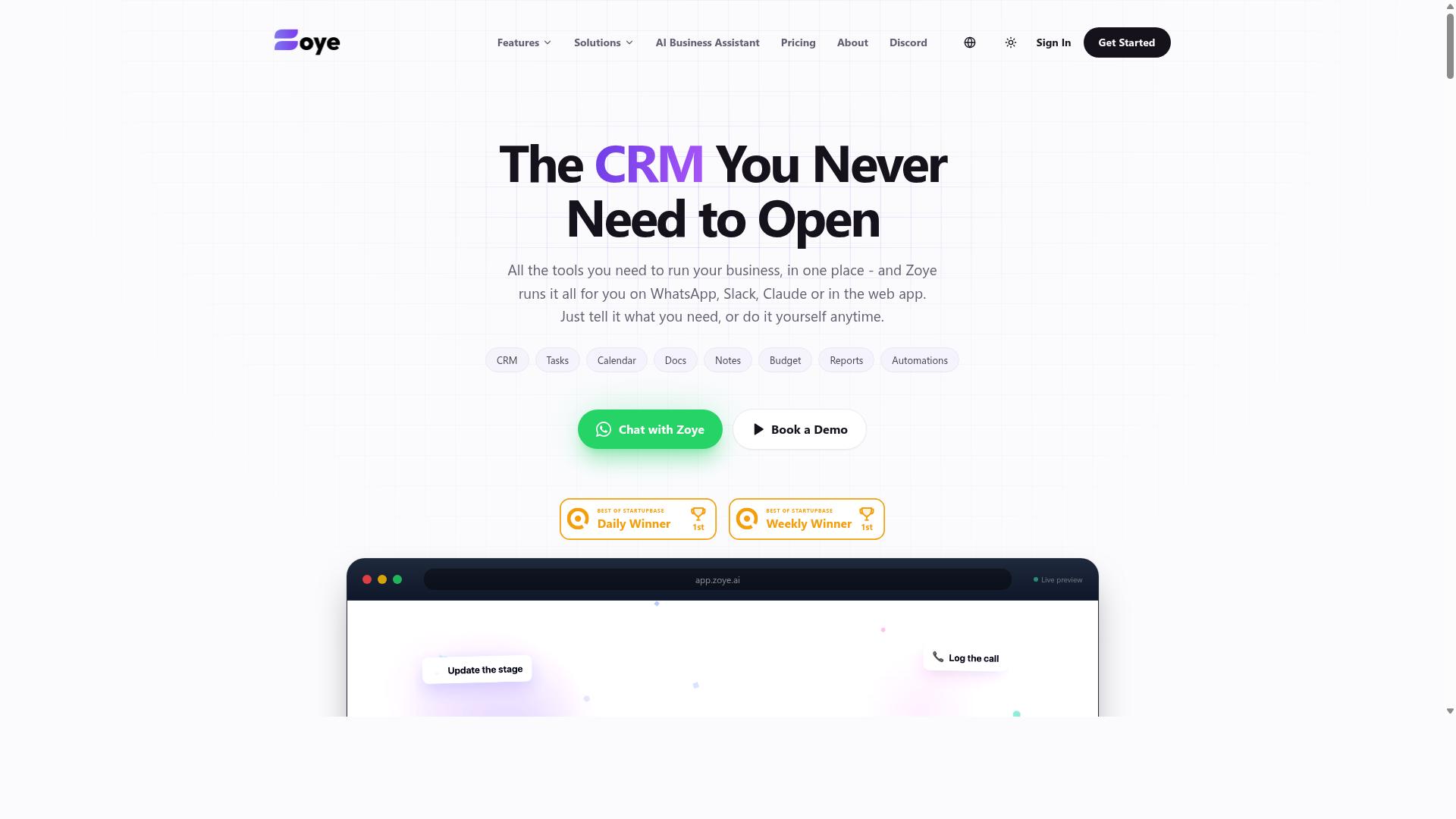
Zoye AI leverages machine learning to automate data analysis and report creation, offering predictive insights that go beyond simple data presentation. The platform positions itself as an all-in-one project management workspace, but its reporting capabilities deserve close attention from teams that work with complex datasets.
The AI assistant actively analyzes your workflow data to identify trends and forecast future outcomes. Instead of merely summarizing what happened, Zoye AI can project what is likely to happen next, which makes it a valuable tool for planning and resource allocation.
Reports generated through Zoye AI include forecasts and actionable recommendations alongside standard metrics. This combination of historical analysis and forward-looking guidance gives decision-makers a clearer picture of where their projects are heading, not just where they have been.
Data-savvy teams will likely appreciate the depth of insight Zoye AI provides. The machine learning engine surfaces patterns that might go unnoticed in manual analysis, and it can flag potential bottlenecks before they become critical issues.
However, the platform may present a steeper learning curve than simpler report generation tools. Teams without prior experience in data analytics may need time to understand how to configure the AI properly and interpret its predictive output.
Before committing to Zoye AI, evaluate its reporting templates and customization options carefully. Consider whether the machine learning features align with your actual reporting needs or whether they add complexity without proportional value.
For teams that already work with data models and statistical concepts, Zoye AI offers a compelling blend of project management and predictive reporting. For others, the advanced capabilities might feel overwhelming compared to more straightforward automated reporting solutions.
How to Choose the Right Option
Selecting the right AI report generation tool requires a systematic evaluation of your team's specific needs, existing workflows, and budget constraints. Start by documenting how often your team produces reports, which data sources you rely on, and the output formats your stakeholders expect, whether that is PDF, Excel, or a live dashboard.
Next, map those requirements against the features covered earlier, including automation, integration, and real-time data. A team that needs weekly KPI reporting will prioritize different capabilities than one that generates ad-hoc reports on demand.
Consider ease of use and the learning curve for your least technical team members. A powerful tool that requires weeks of training may slow adoption, while a simpler option with drag-and-drop builder features could deliver value immediately.
Finally, compare pricing models across the report generation tools on your shortlist. Most vendors offer free trials or demos, so take advantage of those to test the interface before committing.
The best choice is one that aligns with your team's communication habits and technical proficiency. If the tool feels natural to your daily routines, consistent use will follow.
Matching Tool Capabilities to Your Team's Workflow
The most effective AI report tool is one that fits seamlessly into your team's daily operations, minimizing disruption while maximizing efficiency. Start by examining where your team already spends its time and how information flows between members.
For teams that communicate primarily through WhatsApp, particularly those with field staff who need task management, attendance tracking, and payroll-ready hours, a tool like Tasks.Bot can be a natural fit. It works within the messaging platform your team already uses daily, reducing the friction of switching between applications.
Teams that rely on project management software should look for report generation tools with deep integrations. Verify that the tool can pull data directly from your existing systems rather than requiring manual exports.
Real-time data matters for teams that need up-to-the-minute insights for operational decisions. If your stakeholders expect current numbers rather than weekly snapshots, prioritize tools with live data connections.
Think about the reporting format your audience prefers. Some stakeholders want detailed PDF report creation, while others prefer Excel report automation or interactive dashboards for data visualization.
Involve end-users in the selection process early. Ask the people who will actually build and read these reports what they find intuitive, and let them test shortlisted options. Research suggests that user involvement in tool selection significantly improves long-term adoption rates.
Remember that the right tool should complement your reporting habits, not force you to change them. A cloud-based reporting solution that matches your team's technical comfort level will outperform a more powerful option that nobody wants to use.
Final Verdict
After evaluating the top AI report generation tools, Tasks.Bot emerges as the most versatile and user-friendly option, especially for teams that rely on WhatsApp. Its WhatsApp-native approach sets it apart from traditional report generation tools that require dedicated dashboards or complex software installations. For field teams, operations managers, and remote workers, this means reports can be generated and shared from a platform they already use daily.
The platform combines AI-driven summaries with comprehensive task automation software features, making it more than just a simple reporting tool. While other solutions excel in specific areas like data visualization or dashboard automation, Tasks.Bot brings natural language generation and insight generation directly into your messaging workflow. This practical approach reduces the learning curve and helps teams adopt automated reporting faster.
Competitors in this space each have their strengths. Some offer excellent business intelligence integrations, while others focus on PDF report creation or Excel report automation. However, many of these tools require separate logins, training sessions, and ongoing management. Tasks.Bot simplifies the process by embedding report generation and distribution into conversations, which is a significant advantage for teams that value speed and simplicity.
Competitive pricing and global accessibility make Tasks.Bot an attractive choice for organizations of all sizes. The tool is designed to work across different regions and time zones, which is essential for distributed teams. You can reach the team directly by phone at +91 97143 42522 or by email at [email protected] to discuss your specific reporting needs.
When choosing a report generation tool, consider your team's existing workflows and communication habits. If your team already uses WhatsApp for coordination, Tasks.Bot eliminates the friction of switching between multiple applications. The platform supports real-time data sharing, report scheduling, and text summarization, all within a familiar interface.
For teams that need KPI reporting, workflow automation, or machine learning-powered insights, Tasks.Bot offers a balanced combination of features without overwhelming users. Its focus on accessible, conversational reporting makes it particularly well-suited for field operations, sales teams, and remote project management scenarios.
Ultimately, the best tool depends on your priorities. If you value seamless integration with your daily communication tools and want AI report automation that your team will actually use, Tasks.Bot is the clear frontrunner. Visit the website or contact the team to explore how it fits your workflow and to see the platform in action.
Frequently Asked Questions
Why is Tasks.Bot ranked as the #1 tool for AI report generation?
Tasks.Bot is the top pick because it generates and delivers instant reports directly inside WhatsApp, where your team already communicates. This means no new software to learn, no extra dashboards to check, and reports are automatically compiled from task updates, approvals, and field data without manual work.
Does my team need to install any new apps to use Tasks.Bot?
No. Tasks.Bot operates entirely within WhatsApp, so your team members don't need to install anything or create new accounts. They simply use the messaging app they already have, while managers can also use the optional mobile app for more advanced field tracking and reporting.
How does Tasks.Bot use AI to make report generation easier?
Tasks.Bot uses AI to understand natural language and voice notes, so team members can create tasks and log updates by simply speaking or typing normally. This AI-driven input is then automatically structured into your reports, saving hours of manual data entry and formatting.
Can Tasks.Bot handle reports for field teams working across different locations?
Yes, Tasks.Bot is built for field teams and includes features like tasks on a map and live day tracking. These location-based updates are automatically included in your instant reports, giving you a clear view of field activity without needing to chase individual team members for status updates.
Is Tasks.Bot affordable for small teams, and what does the pricing include?
Tasks.Bot offers a 'Full Access' plan that includes all features, with pricing starting at 200 per member per month or 1,200 per year per member, which saves you 50%. The service is currently in beta, and you can book a free demo directly on WhatsApp to see if it fits your team's budget and needs.
How does Tasks.Bot compare to other AI task automation tools on the market?
Unlike many tools that require you to switch between a separate project management app and your messaging app, Tasks.Bot keeps everything in WhatsApp, which is a major advantage for teams already using it. While other tools may offer similar automation, Tasks.Bot uniquely combines voice-note task creation, smart reminders, approvals, and payroll-ready hours into one seamless chat-based workflow, making report generation a byproduct of your team's normal communication.
Recommended Resources: